
Your Mac. Within reach.
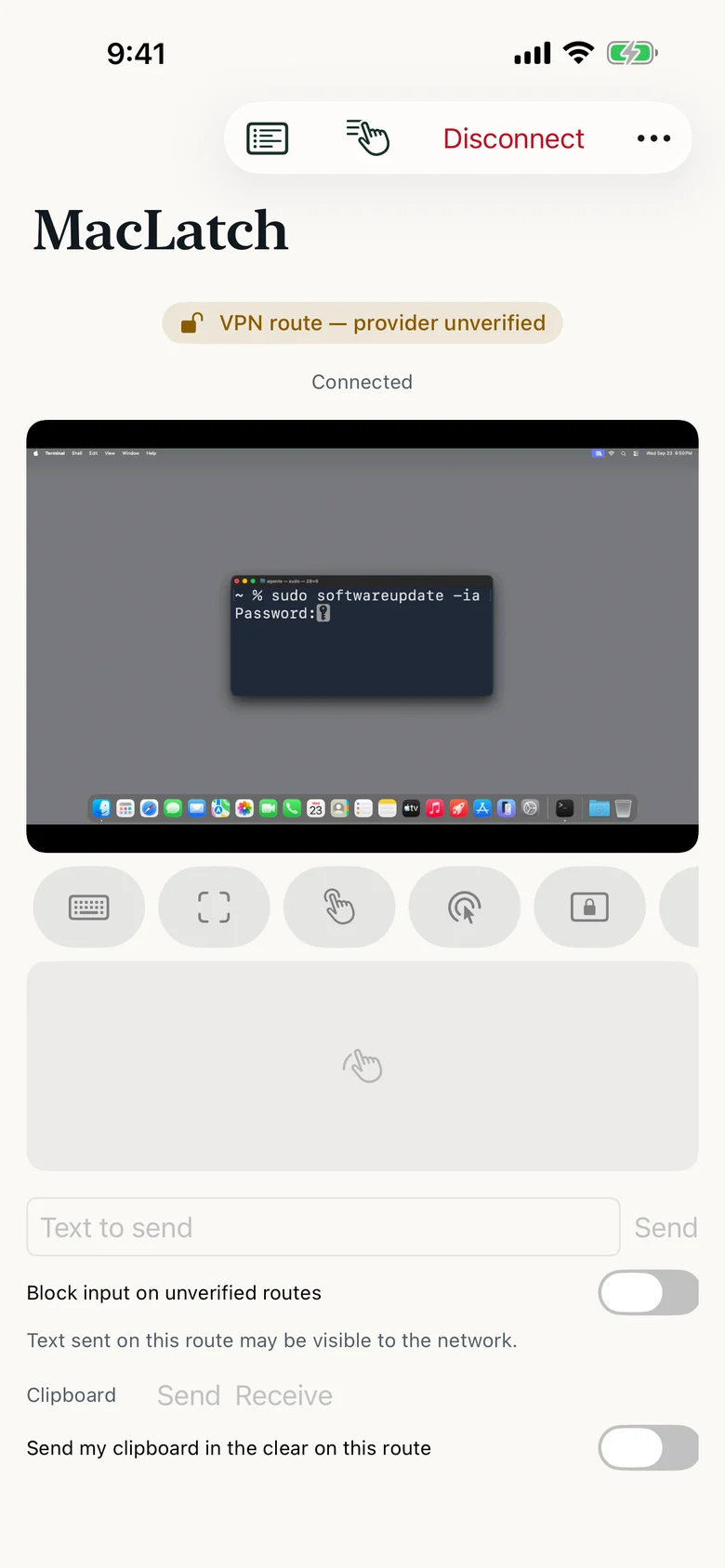
See and control your Mac from your iPhone.
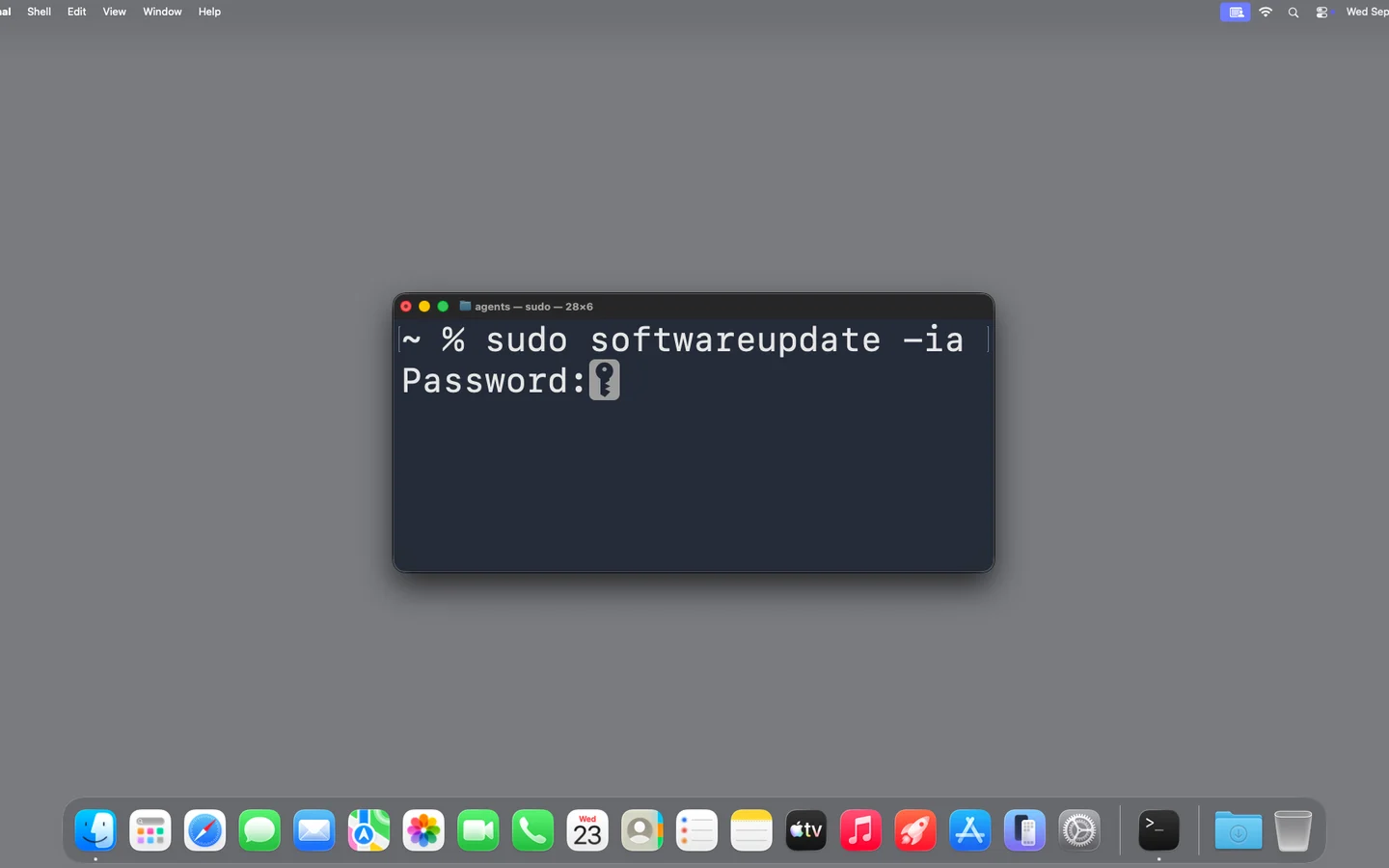
MacLatch connects to the Screen Sharing already built into macOS, so the Mac at home or at the office is on the phone in your pocket. Answer the password prompt, click Update, close the stuck dialog.
Watch it work 0:24Open source. The official app is the convenient way to install it.
-
Real control
Tap, type, scroll and click through the prompts on your Mac.
-
No account, no relay
Connects straight to your Mac. No MacLatch servers in between.
-
Your route, labelled
Local network, Tailscale or an SSH tunnel, each marked for what it protects.
-
Open source
Inspect, modify and build it yourself. MIT licensed.
See it work
A quick look at MacLatch.
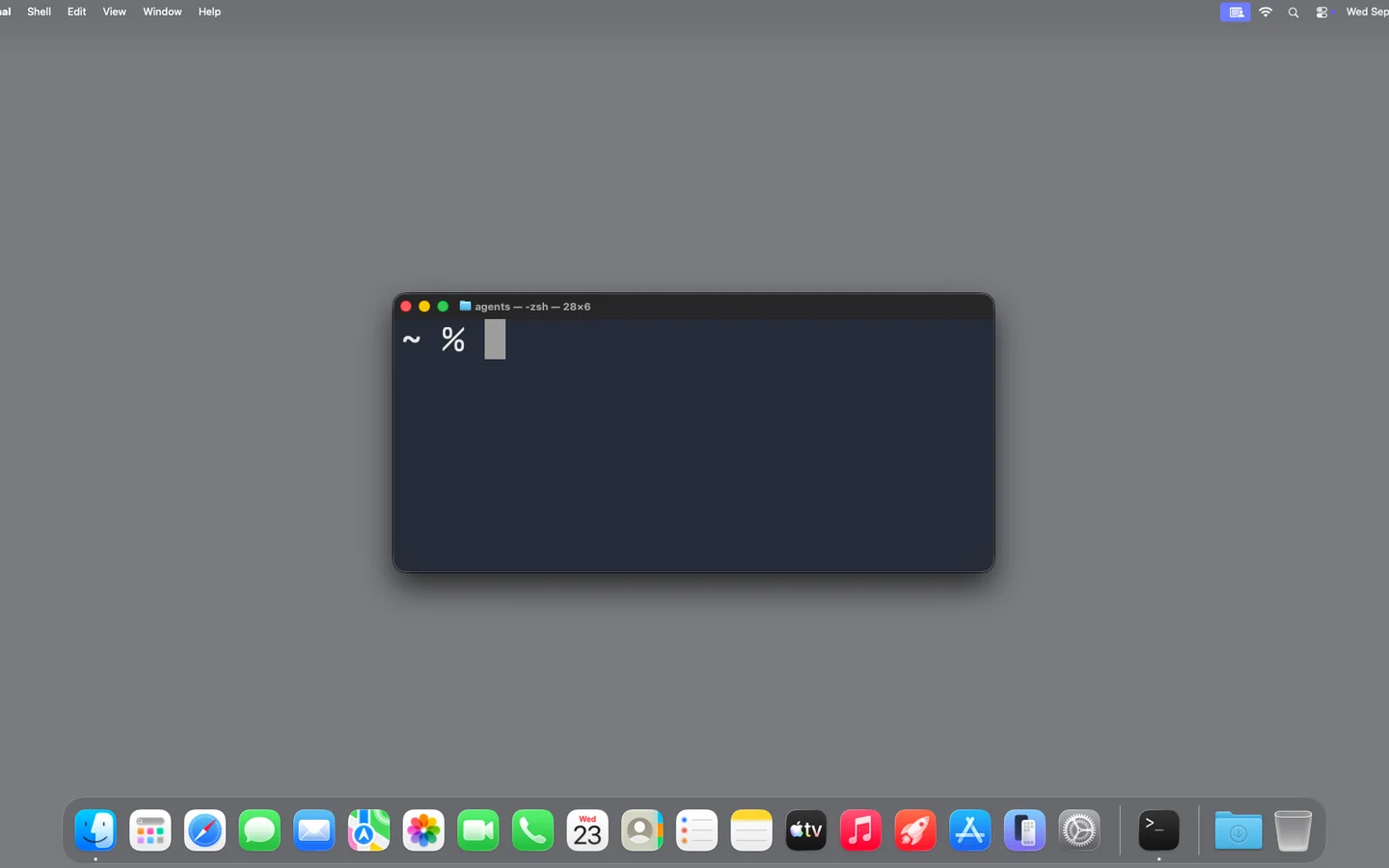
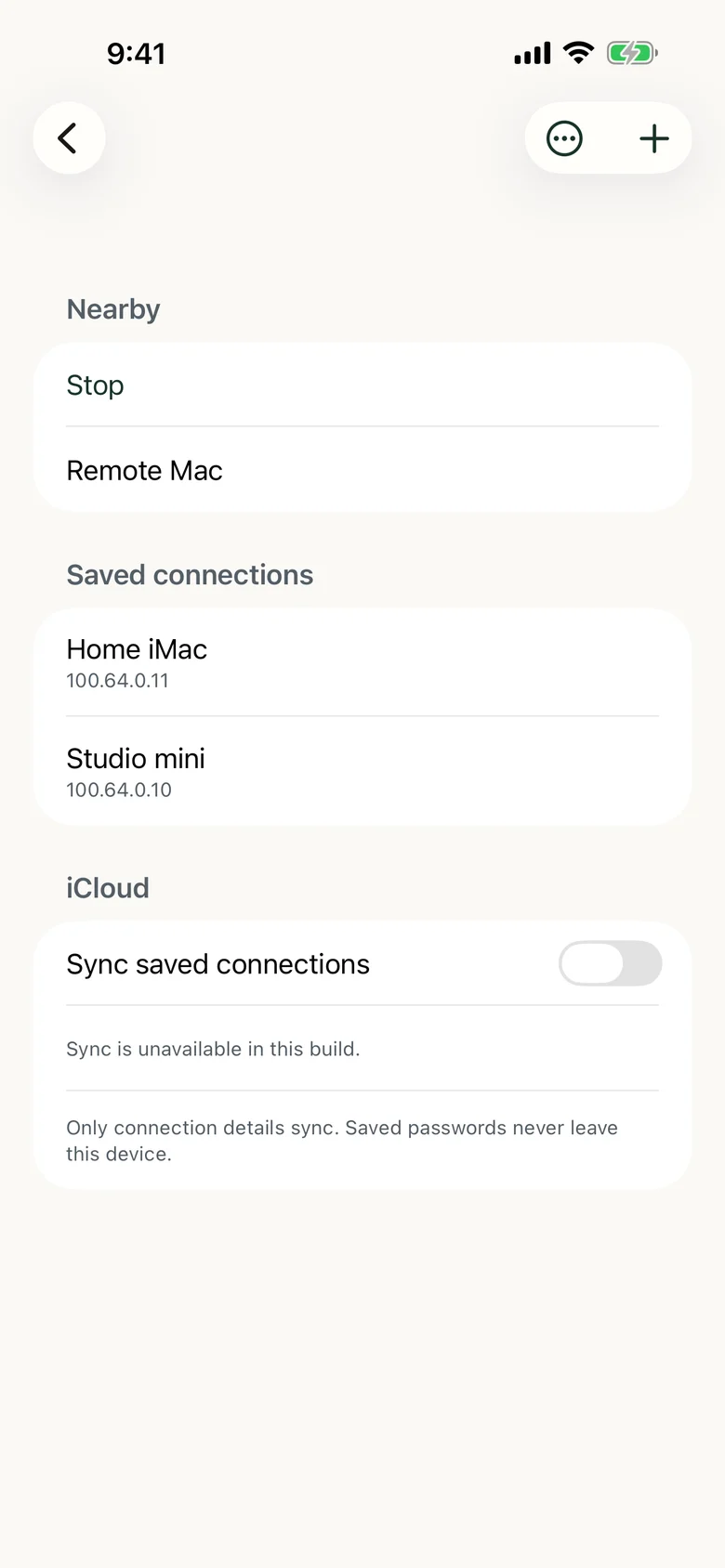
Find a Mac, choose how to reach it, save it, then answer its password prompt from your iPhone.

Get the iOS app
The easiest way to get started. The official app saves you building and signing it yourself, and helps fund ongoing maintenance.
Free download · seven-day trial you start yourself · then $9.99 once
Explore the source
MacLatch is open source under the MIT license. Build it yourself, inspect the code and make it your own.

An independent tool by Eugene Aarons.
I'm a product leader, AI builder and maker. I built MacLatch for my own Macs, and I maintain it myself.